
photo solutions
Lab Printing Software and Automation
Orders from your website, kiosks, and galleries route to the right printer or hot folder, with no manual downloading
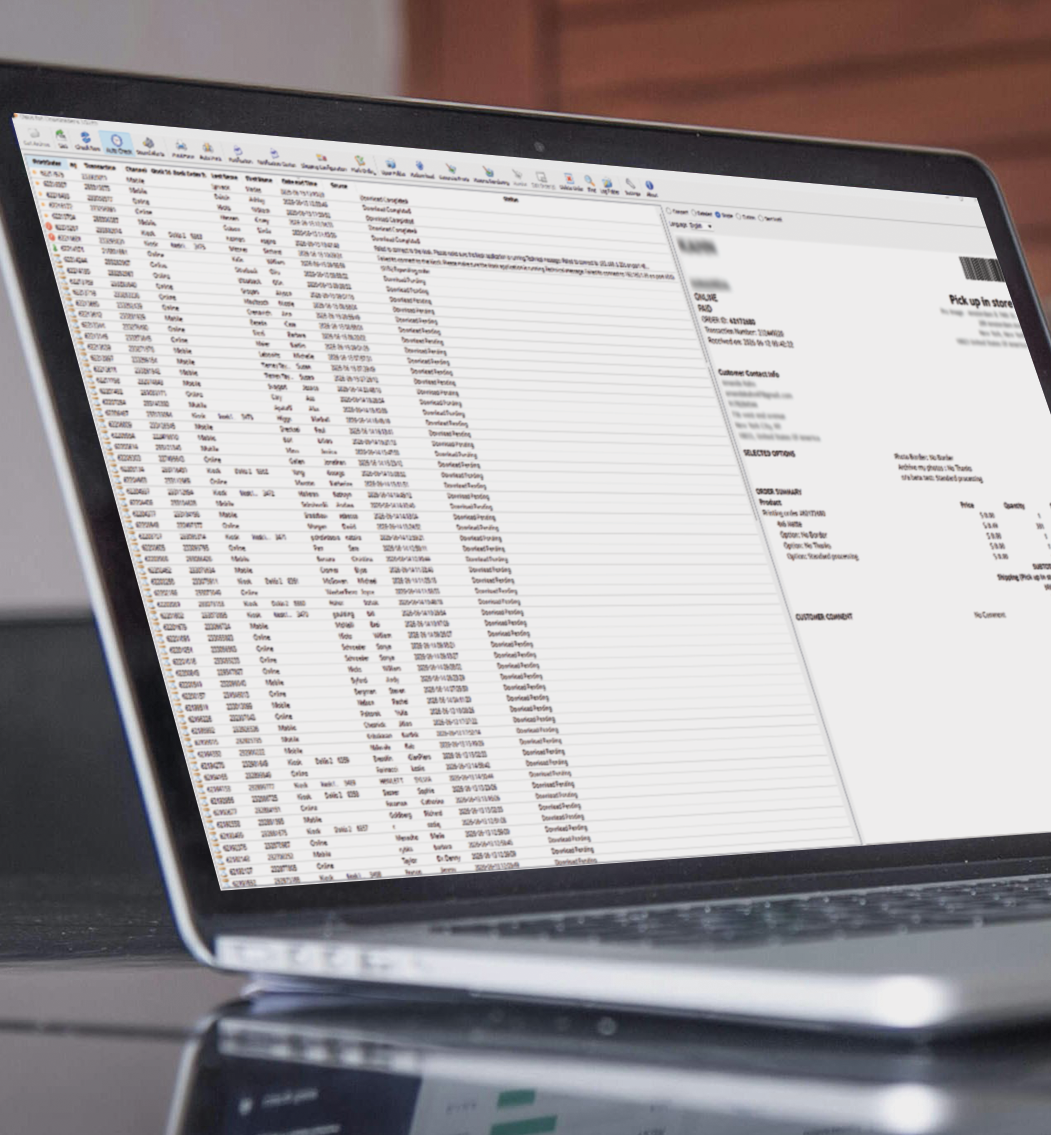
Lab printing software and automation covers two pieces: collecting the order and routing it to the right device. Job Downloader collects completed orders from your dakis channels automatically. IPS Order Manager routes each job to the right printer or hot folder by product type. Your team receives production-ready jobs rather than locating and routing files by hand. Because the orders originate in your own dakis channels, there is nothing to integrate between where the order is taken and where it prints.
What it is
Built for
- Photo labs running dakis online ordering, kiosks, or gallery delivery
- Labs eliminating manual download and print routing steps
- Multi-channel labs receiving orders from both web and in-store sources
How it fits
A customer places an order through online photo ordering, a photo kiosk, or a gallery. Job Downloader collects it automatically from your dakis account. IPS Order Manager identifies the correct output path and sends the job to the right printer or hot folder. Your team receives a production-ready job and stays on output quality.
Why customers choose it
- Move orders from customer to production automatically, with no manual file retrieval
- Reduce missed jobs and rework by removing manual handling between order and output
- Keep your current lab equipment, with compatibility across minilabs and wide-format printers
- Stay current automatically with software upgrades included in your subscription
- Add advanced output controls with IPS Order Manager Pro for colour-critical work
Why dakis
dakis Lab Software connects natively to dakis ordering channels, so there are no third-party connectors to maintain. It stays compatible with Fuji and Noritsu minilabs, Epson wide-format printers, and hot folder workflows. Software upgrades are included, so your lab stays current without repeated purchase decisions.



Works with
Online Photo Ordering Software
Collects web orders automatically.
Photo Kiosk Software
Collects in-store kiosk orders automatically.
Photo Gallery Platform
Collects print orders placed from client galleries.
Unified Point-of-Sale
Collects orders taken at the counter.
Proof
Businesses using it

Don's Photo has spent nearly fifty years earning its place as one of Western Canada's largest independent photo...

Fitzgerald Photo Imaging
Fitzgerald Photo Imaging has spent decades adapting to how people shoot, share, and print. This North Perth lab serves...

Camera Corner
The Camera Corner is an independent camera store, photo lab, and print shop in Davenport, Iowa.
Frequently asked questions
Does dakis lab printing software work with the printers I already have?
[To be answered by the dakis team. IPS documentation lists Noritsu printers, Fuji minilabs, hot folders, and direct printing to Epson SureLab.]
What is a hot folder, and why would a lab use one?
A hot folder is a watched folder: dakis places the file there and your printing software picks it up and produces the job. It is how orders reach wide-format printers, gifting products, and press work, where a direct minilab connection does not apply.
Which orders does dakis lab printing software collect?
Orders from your website, your photo kiosks, and your client galleries, all collected automatically from your dakis account. Nothing is downloaded or re-entered by hand.
What is the difference between IPS Order Manager Standard and Pro?
Standard routes jobs to minilabs, wide-format printers, or hot folders through an automated production workflow. Pro adds advanced output controls for colour-critical production and press-ready work. [**dakis Team to confirm whether ICC profile support is the defining difference, as the order form suggests.]
Does dakis lab printing software run on Windows?
**[To be answered by the dakis team. IPS documentation indicates Windows 10 and 11, with limited support for Windows 7. Confirm before publishing.]